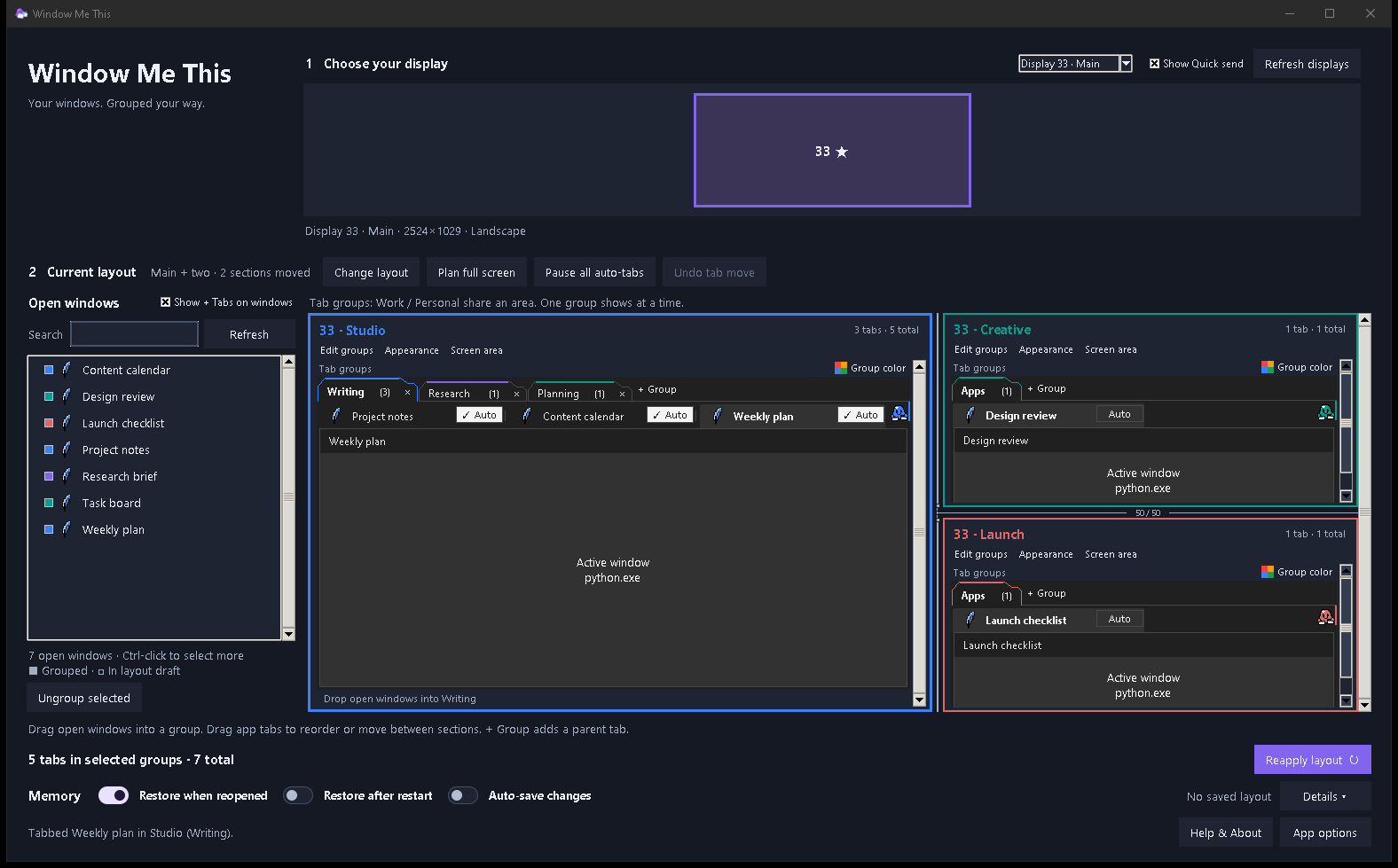
Group around a parent tab
Bring related windows under a named group, then switch between the tabs in that group.
 Myth & Bytea creative studio
Window Me This · for Windows
Give related windows a shared parent tab, keep work in reach across multiple displays, and save a layout for next time.
Full-feature 30-day trialOne-time purchase · no renewal

A little more breathing room
Keep related windows close together, and return to a setup that feels familiar.
Bring related windows under a named group, then switch between the tabs in that group.
Choose a display and arrange your groups in separate work areas across your monitors.
Keep a named arrangement and reapply it when you want those windows back in place.
Auto can collect windows that open later. It does not sort the windows already open.
Try the full app
The trial includes the full feature set. When you’re ready, the paid license is a one-time purchase with no recurring charge.
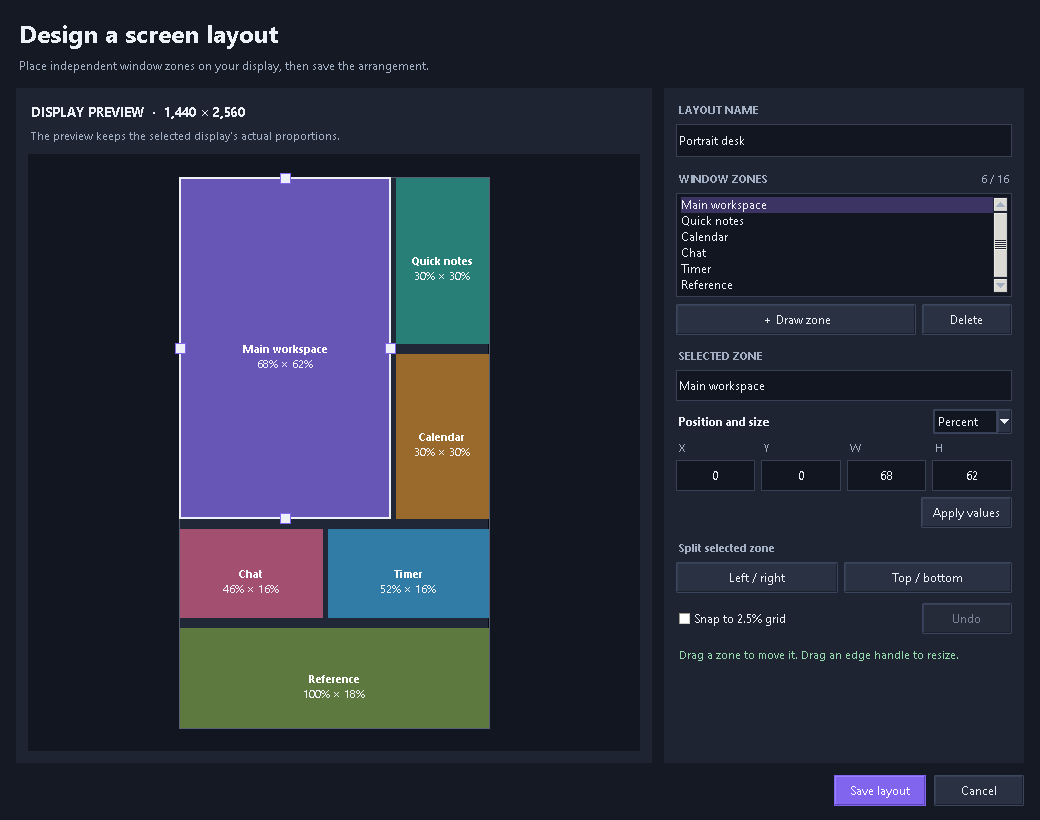
A custom layout designer for up to 16 window areas is in preview for a future release. The image shows a local preview; this feature is not in the current public download.
See release notes